
Struggling to Print Your Murder Mystery Game? Fix Common Problems
4 min read Updated 23 March 2026
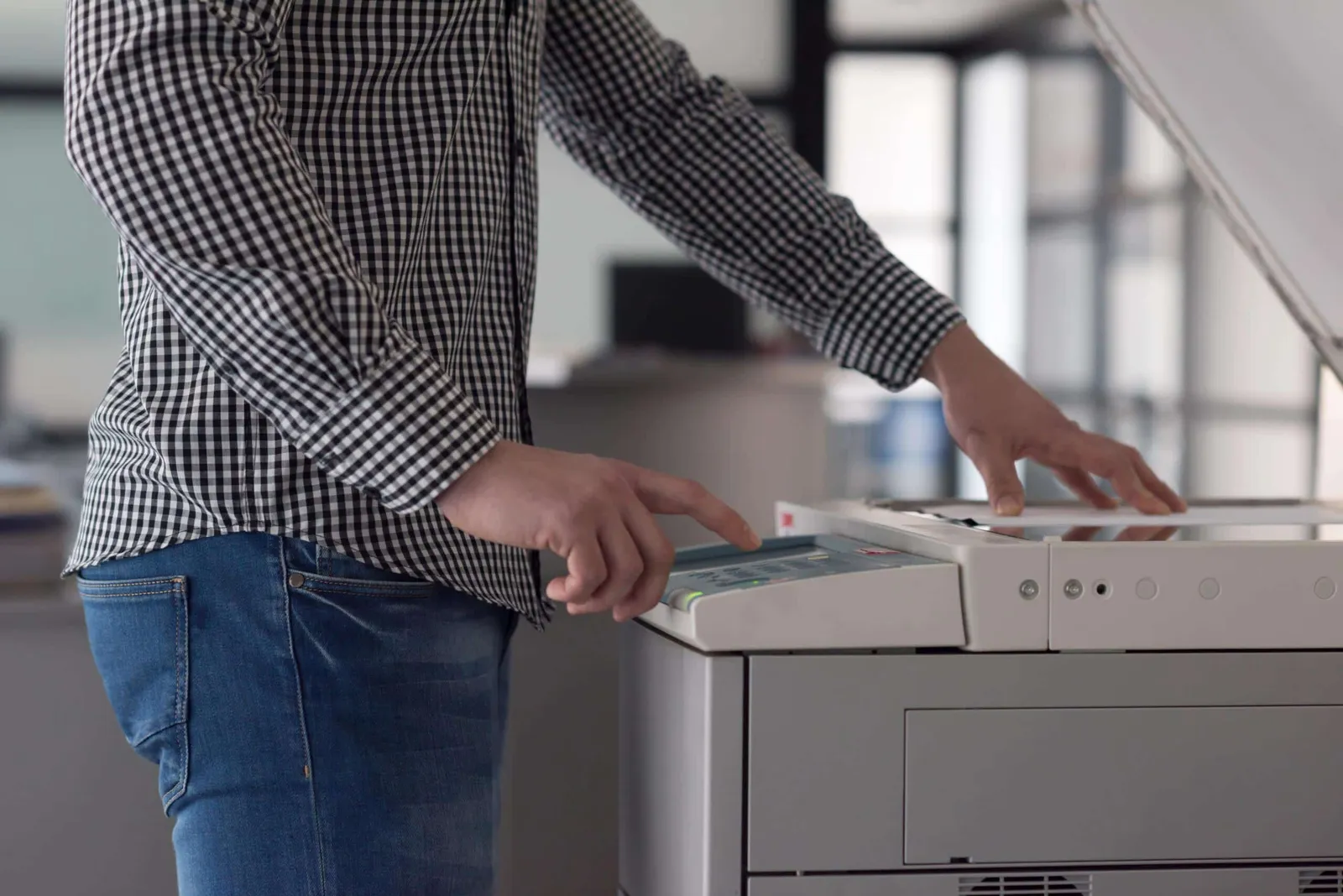
We totally understand that to print your murder mystery game should be the easy part, but sometimes the printer gremlins have other ideas. If you’re stuck, you’re not alone! We provide detailed instructions in all our games, but if you haven’t purchased yet you don’t know that! So here’s how to troubleshoot the most common printing issues, straight from the Red Herring Games support desk.
Playing Digitally? Skip the Printer Entirely!
Before we dive into the technical fixes, remember that you don’t always have to print everything. If you’re playing online or just want to go completely paperless, simply email or WhatsApp the character booklet files directly to your guests. They can easily open and read them on any smartphone, PC, or tablet using a standard PDF viewer such as Adobe Acrobat Reader. Not only does this save you time, but it means absolutely no ink is required. Perfect for an eco-friendly party!
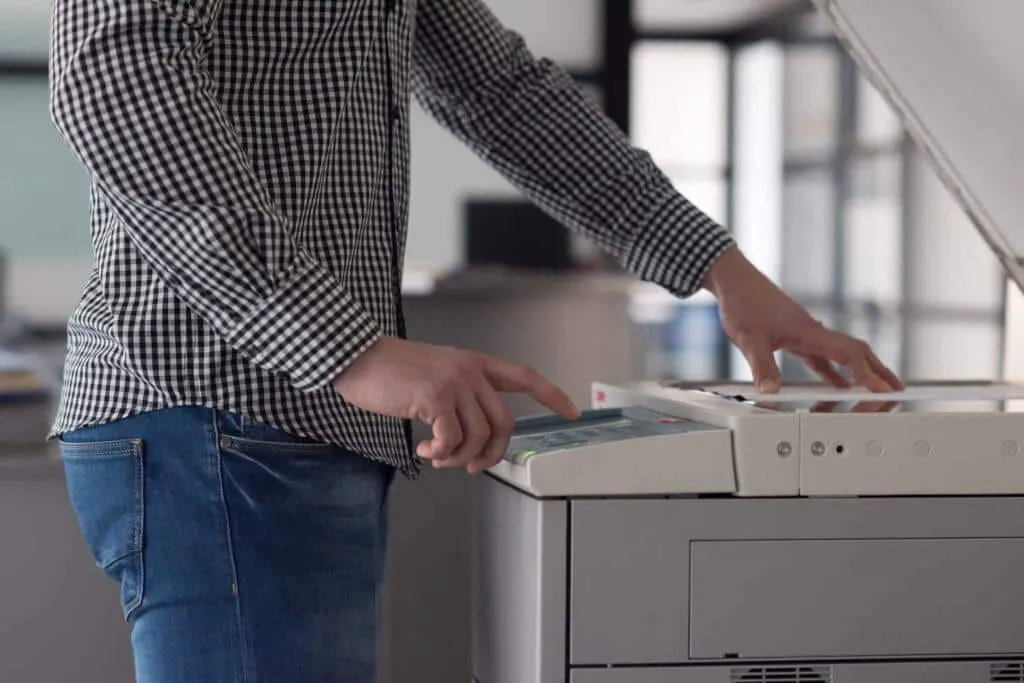
Print Your Murder Mystery Game at Home: Quick Fixes
- Ink Running Out: The classic! The number of calls we get because the “print is coming out grey” or “the printing is faded” or even “The booklets are printing blank”. First up – if it looks right on the screen – then the chances are it’s your printer!! So if your pages are looking faded or patchy, check your ink levels. Sometimes just replacing or shaking the cartridge can save the day.
- Weird Formatting or Sizing: Before you print your murder mystery game booklets, double-check your printer settings. Make sure you’ve selected the right paper size (A4 or A5) and the correct print layout (single- or double-sided).
Choosing the Right Paper for the Job
When you finally sit down to print your murder mystery game, the paper you choose can make a big difference. Standard everyday printer paper (usually 80gsm) works perfectly fine for all our games. However, if you want your character booklets and evidence to feel a little more premium, you might want to load your printer with slightly thicker paper (like 100gsm or 120gsm). Just be sure to check that your home printer can handle thicker paper without jamming!
Our Recommended Print Settings
- Single-Sided Print:
- Open the file and print directly onto A4 paper.
- For a smaller booklet, use the 2-up setting to print two pages per A4 sheet (A5 size), then staple in one corner.
- Double-Sided Print:
- Use your printer’s booklet setting for A4 to A5. Most printers have this as an option. This will print the booklet double-sided, so you can fold and staple it in the middle.
- If you don’t have a “booklet setting” then you can manually trick your printer into doing this. Set your printer to print “2 up” and double sided with the turn on the short side of the paper, then ask it to print the pages in this order: 16,1,2,15,14,3,4,13,12,5,6,11,10,7,8,9
Reducing ink use?
If you want to keep ink use to a minimum when you print your murder mystery game, consider only printing the inside pages (pages 3-14). These are only black and white, and you can create your own covers from colour card and a bit of crafty know-how.
Still Stuck? Let Us Print Your Murder Mystery Game for You!
If printing at home is driving you round the twist, we can do it for you. Just get in touch – there’s a charge for our printing service, but it works out cheaper for us than for many people to print at home. Payment can be taken over the phone or we can set up a Paypal or Xero invoice so you can pay by card in your own time. We’ll then post your game materials right to your door.
Final Tips
- Always check your printer’s preview before hitting print – if it looks right on there, then the chances are any problems are an ink issue.
- If you’re not sure, test a single page first.
- Don’t forget: we’re here if you need a hand! Jo has talked many a person through their printer settings so you can print your murder mystery game without a hitch!