
Our virtual escape games are playable solo or in large group format. One of the questions we’re regularly asked is how to host a larger group escape game. Fortunately we host these regularly for corporate groups so we’re very familiar with hosting these games for large numbers on zoom.
If you’ve never played one of our virtual escape games before, then do “buy” the free virtual escape game: Jesse the Janitor – as that will give you a feel for how all our escape games work.
We deliberately designed our virtual escape games to be easy to use for corporate groups. They run in HTML (regular website code) which means they can be used with any device which accesses the internet and in all web browsers There’s also no requirement to download a seperate ap, or access anything that might get blocked by an aggressively secure office firewall.
There are no flashing lights, no weird requirements for 3d goggles, or other contraptions, and there are no “drag and drop” functions which often break.
Instead each “puzzle” is a picture with text above. Each puzzle has a text box beneath it. Once the group has solved the puzzle they free type into that box underneath and if the answer is correct a “next” Button will appear to allow them to progress to the next puzzle.
In the solo player games there are hints and the answer on every page. This means you’ll never get completely stuck when playing.
The two differences between the “solo” games and the “group” games are:
1) the removal of hints, and the addition of a hosting guide which provides all hints and answers so the host remains in control of how many hints each group recieves so they can compete with each other for best time.
2) a different “access” level – which ensures your larger group is given sufficient allowated link space to allow everyone to take part. (The smaller sized groups restrict the number of players permitted to access the game at any one time.)
We regularly host these games in zoom, but you can host them in any virtual meeting software with breakout room ability so that the teams can work together without being overheard.
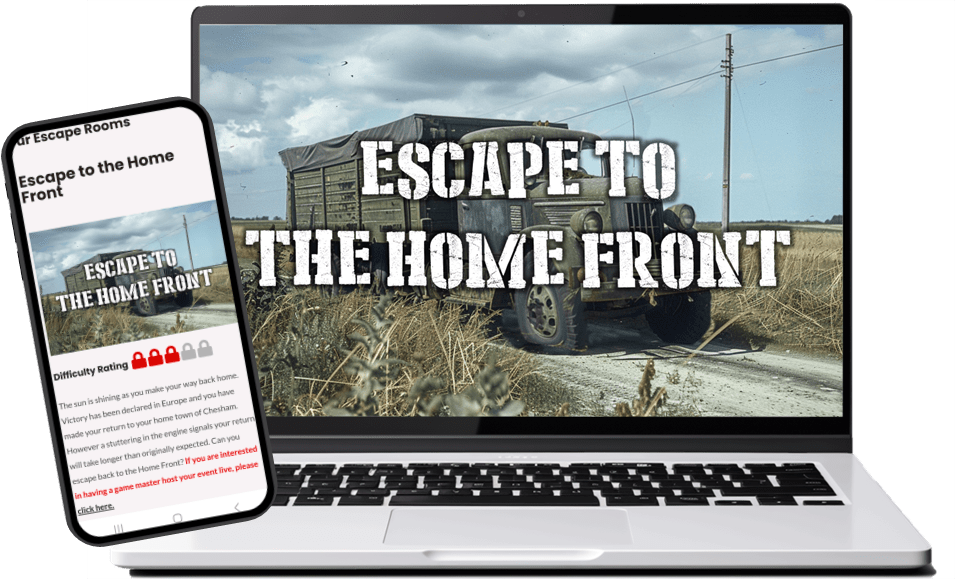
The instructions for how to host below are created for playing using Zoom.
(Some adaptions may be needed if using other video conferencing software.)
Zoom allows a maximum of 50 breakout rooms. If we’re hosting for large groups (more than 250) we’ll usually split the group into two different meetings, with different hosts to allow for group sizes in that 2-5 participants per group.
- Place your group into teams of 2-6 members.
- Explain that you will share a link that they can play the escape game on.
- Explain they will view a puzzle and then have to put a password into a text box. The correct answer will reveal a “next” button.
- Let them know screen sharing may make it easier, as they will all be looking at the same image and have the option to annotate.
- If they get stuck, they can use the “ask for help” button to call the host into the room.
- Tell them once they have finished to return to the main room.
- You can then share the link and open up the breakout rooms.
- Start your timer.
- Wait for people to ask for help and then visit their room and help using the clues provided.
- As groups finish, let them know their completion time.
If you have a maximum of 50 breakout rooms running – you will likely need 3-4 “hosts and cohosts” who can room hop to provide hints to teams who are stuck. If you don’t have this capacity and want to host with a game that has the hints still present, just get in touch so we can allocate you with sufficient access to the other style of game so the hints are included.
If you require more assistance or would be interested in hiring a professional host for your game, do get in touch!


